Testing & monitoring
Visual Regression Testing: A Practical Guide for 2026
June 11, 2026 · 4 min read · Grabbit Team
A functional test confirms the checkout button submits the form. It will not tell you the button is now white on white, overlapping the price, or pushed off the screen on mobile. That is what visual regression testing catches: the layout and styling breakage that passes every assertion and still ships a broken page.
What is visual regression testing?
Visual regression testing captures screenshots of your interface, compares each new capture against an approved baseline, and flags the pixels that changed. Instead of asserting on the DOM, you assert on what the user actually sees. A change that moves an element, shifts a color, or breaks a responsive layout shows up as a visual diff even when every functional test stays green.
How the workflow works
The loop is the same across every tool:
- Capture a baseline. Screenshot the page or component in a known state and store the image.
- Capture on change. On each pull request or deploy, capture the same view again.
- Diff. Compare the new capture to the baseline pixel by pixel (or perceptually).
- Review. If the diff is over your threshold, the test fails and a person looks at it.
- Approve or fix. If the change was intended, approve it as the new baseline. If not, it is a bug you just caught before users did.
Why visual tests get flaky (and how to fix it)
The reason teams abandon visual testing is flakiness: tests that fail on changes nobody made. Almost every false positive traces back to an inconsistent capture, not a real regression. The usual culprits:
- Animations and transitions captured mid-flight.
- Lazy-loaded images or client-rendered content that had not finished when the shot was taken.
- Web fonts that loaded a frame late, shifting text.
- Dynamic data (timestamps, names, A/B variants) that differs every run.
- A different viewport between baseline and comparison.
The fix is to make capture deterministic: pin the viewport width, wait for the page to settle before capturing, freeze animations, and use stable seed data. Consistency in the capture step is what separates a visual suite people trust from one they mute.
The tools
- Playwright has
toHaveScreenshot, which captures and diffs against a stored baseline in a single assertion. The easiest start if you already run Playwright. - Storybook plus a test runner is a strong fit for component libraries, testing each component in isolation.
- Hosted services like Percy and Applitools add a review UI, baseline management, and cross-browser rendering on top of the diff.
- BackstopJS is a long-standing open-source option for page-level scenarios.
Pick the one that matches how you already build. The capture-and-diff loop is identical underneath.
The capture layer: consistent screenshots
Every visual regression tool needs one thing to be reliable: a screenshot that looks the same every time, given the same input. When you are testing deployed URLs (staging, preview deploys, production canaries) rather than local components, a screenshot API gives you that consistent capture without running and scaling headless browsers in CI.
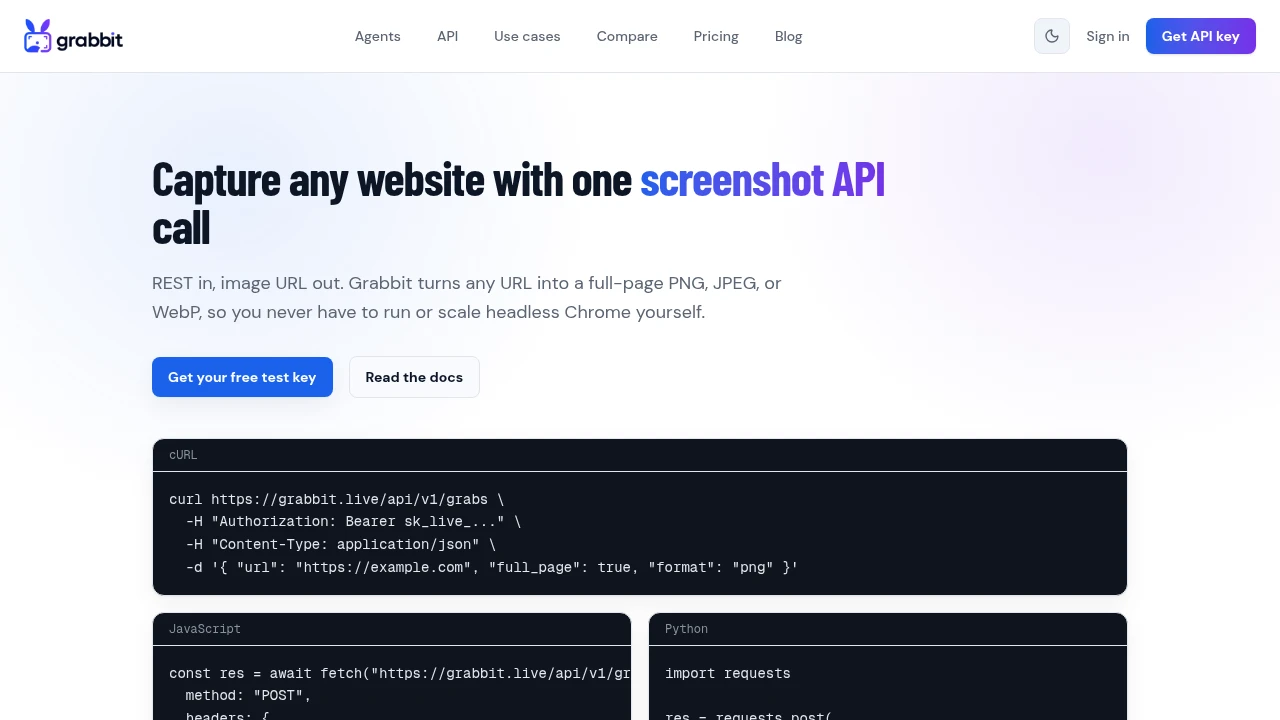
curl https://grabbit.live/api/v1/grabs \
  -H "Authorization: Bearer sk_live_..." \
  -H "Content-Type: application/json" \
  -d '{ "url": "https://staging.example.com/pricing", "width": 1280, "full_page": true, "delay_ms": 500 }'
Pinning width keeps the layout identical between runs, full_page captures the whole document, and delay_ms waits for content to settle so lazy-loaded sections do not cause false diffs. Store the returned image_url as your baseline, capture again on each deploy, and diff the two. For running these captures on a schedule or across many URLs, see automated screenshots, and for every capture option see the screenshot API.
Where to start
If you already use Playwright, add one toHaveScreenshot assertion to your most important page and watch it for a week. If you test deployed URLs, capture consistent baselines with an API and diff them in CI. Either way, start with a handful of high-value screens, get the captures deterministic, and expand once the suite is quiet enough to trust.
FAQ
- What is visual regression testing?
- Visual regression testing captures screenshots of your UI, compares each new capture against an approved baseline image, and flags the pixels that changed. It catches layout and styling breakage that functional tests miss, because a button can still work while sitting in the wrong place or rendering the wrong color.
- How does visual regression testing work?
- You capture a baseline screenshot of a page or component, store it, then capture the same view on every change and diff it against the baseline. If the diff exceeds a threshold, the test fails and a human reviews it. If the change is intentional, you approve it and it becomes the new baseline.
- What is the best tool for visual regression testing?
- It depends on your stack. Playwright has built-in screenshot assertions, Storybook plus a runner suits component libraries, and hosted services like Percy and Applitools add review workflows and cross-browser rendering. There is no single best tool, only the one that fits how you already build and test.
- Can I do visual regression testing with Playwright?
- Yes. Playwright ships toHaveScreenshot, which captures and diffs against a stored baseline in one assertion. It is the simplest way to start if you already run Playwright for end-to-end tests.
- Why do visual regression tests get flaky?
- Flaky visual tests almost always come from inconsistent captures: animations mid-flight, lazy-loaded content not settled, fonts not loaded, dynamic data, or a different viewport. The fix is to make capture deterministic with a fixed viewport, a wait for content to settle, and stable test data.
Capture any website with one API call
Get a free test key and capture your first screenshot in two minutes.
Written by
Grabbit Team
Screenshots as a service
The team behind Grabbit, the screenshot API for developers and AI agents. We write about web capture, rendering, and automating screenshots at scale.